How to Save Rednote Photos in High Quality Step by Step
The Problem with Manually Saving Photos on Xiaohongshu
Xiaohongshu (Rednote) is globally renowned for the exceptionally high aesthetic quality of its photographs. Fashion designers, interior decorators, photographers, and visual editors flock to the platform daily looking for inspiration for their moodboards. However, when you try to save images in the traditional way from the mobile application (holding down the screen over the photo), you face two major limitations:
- Watermark Embedding: The application automatically adds the Xiaohongshu logo and the creator's user ID to the edges of the saved image. This ruins the visual composition and the cleanliness of the photograph.
- Quality Reduction and Compression: To optimize app load speeds, the official system compresses images and reduces their native resolution. If you try to take a screenshot, the quality is even lower, and the file loses sharpness, making it difficult to view on high-pixel-density displays (like Retina screens).
The Professional Solution: High-Definition Metadata Extraction
To obtain images in the exact same format, resolution, and quality that the creator originally uploaded them, it is necessary to bypass the application's processing. Advanced tools like RednoteSaver analyze the internal data structure of the shared link in real-time and extract the clean image URLs directly from Xiaohongshu's Content Delivery Network (CDN).
This process guarantees that you get sharp files at maximum resolution, without artificial compression, and completely free of watermarks, ready for your design analysis and private inspiration collections.
Step-by-Step Guide to Downloading High-Quality Photo Carousels
If you want to extract a complete carousel of images from Xiaohongshu quickly and cleanly, follow these simple steps from your mobile or computer:
- Copy the Publication Link: Open the Xiaohongshu or Rednote app, locate the post containing the photos you want to save, tap the Share button, and select "Copy Link".
- Paste the URL into RednoteSaver: Open your web browser, enter our platform, paste the link into the search box, and click Obtain.
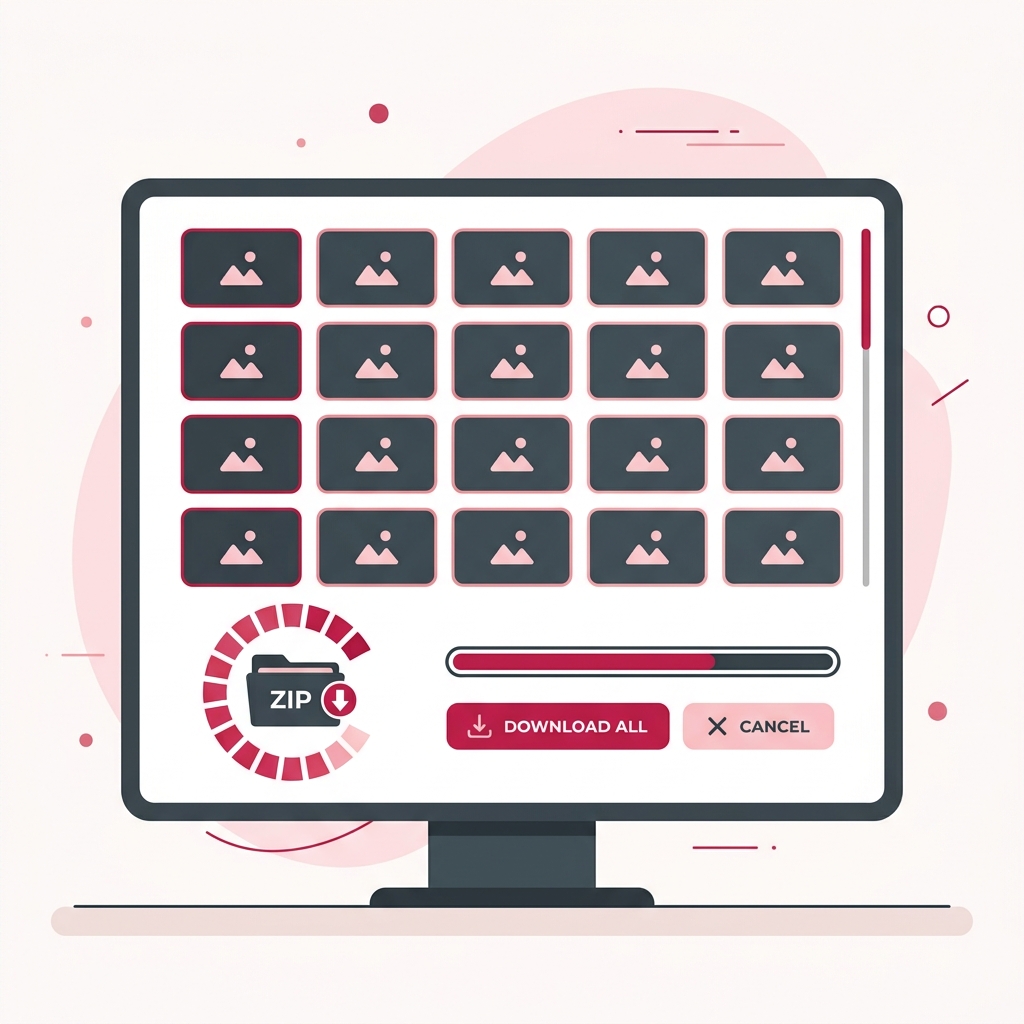
- View the Preview Gallery: Our extractor will automatically identify that the post contains an image carousel (rather than a video) and load an interactive thumbnail gallery on the screen.
- Download Images Individually or in Batches (ZIP):
- If you only need one photo from the carousel, select the thumbnail and tap the "Download current image" button to save it directly to your device.
- If you want to download all the photos in the post at once, click "Download images (ZIP)". Our server will automatically package all the high-resolution images into a single compressed ZIP file and download it in seconds.
Advantages of Batch Downloading (ZIP)
The option to package images in a ZIP file integrated into RednoteSaver is especially valued by creative agencies and Social Media Managers. Instead of wasting time downloading the 9 or 10 images of a detailed visual note on Xiaohongshu one by one, the ZIP download allows you to archive the entire collection instantly in a single download action. This optimizes competitive research times and facilitates the structured, orderly archiving of your local reference assets.
Do you want to download Rednote videos or photos?
Save all Xiaohongshu content without watermarks instantly.